1
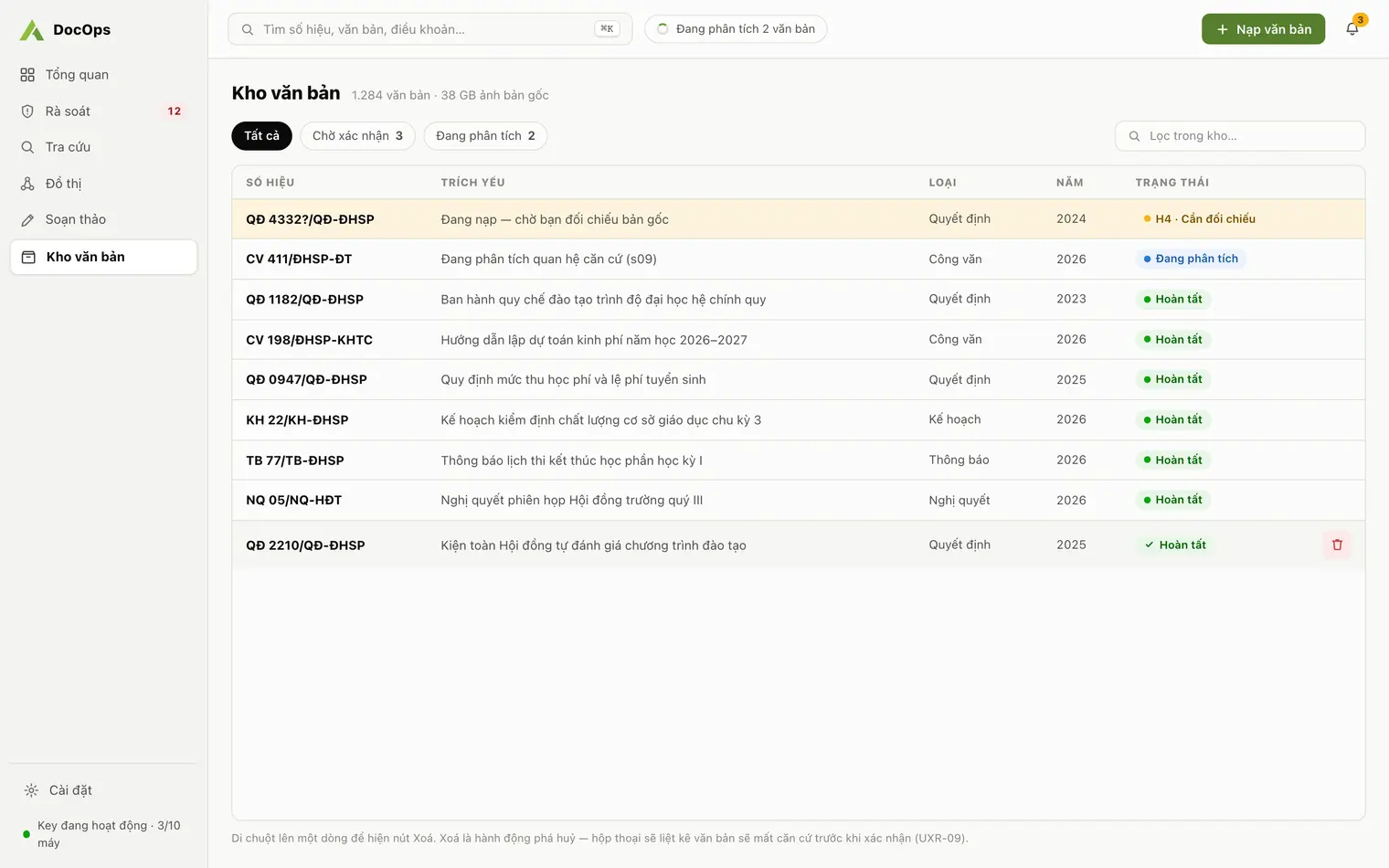
Ingest & classify
Ingest PDFs, scans included: page-by-page OCR and extraction of number, signing date, issuing body and summary. Automatic Decree 30 classification; staff confirm each document into the repository.
For government agencies, commune people’s committees, universities and companies. DocOps ingests, classifies, searches with citations, reviews legal bases and drafts under Decree 30, in minutes rather than days. Your staff always make the final call.
DocOps Uranus 1.4.0 · Windows 10/11 · macOS 13 or later · Free to download, activated with your institution key
Six steps; a person decides at the last one
Three flows for the administrative document lifecycle, all working on your institution's repository, stored on your machine and growing year by year.
Ingest PDFs, scans included: page-by-page OCR and extraction of number, signing date, issuing body and summary. Automatic Decree 30 classification; staff confirm each document into the repository.
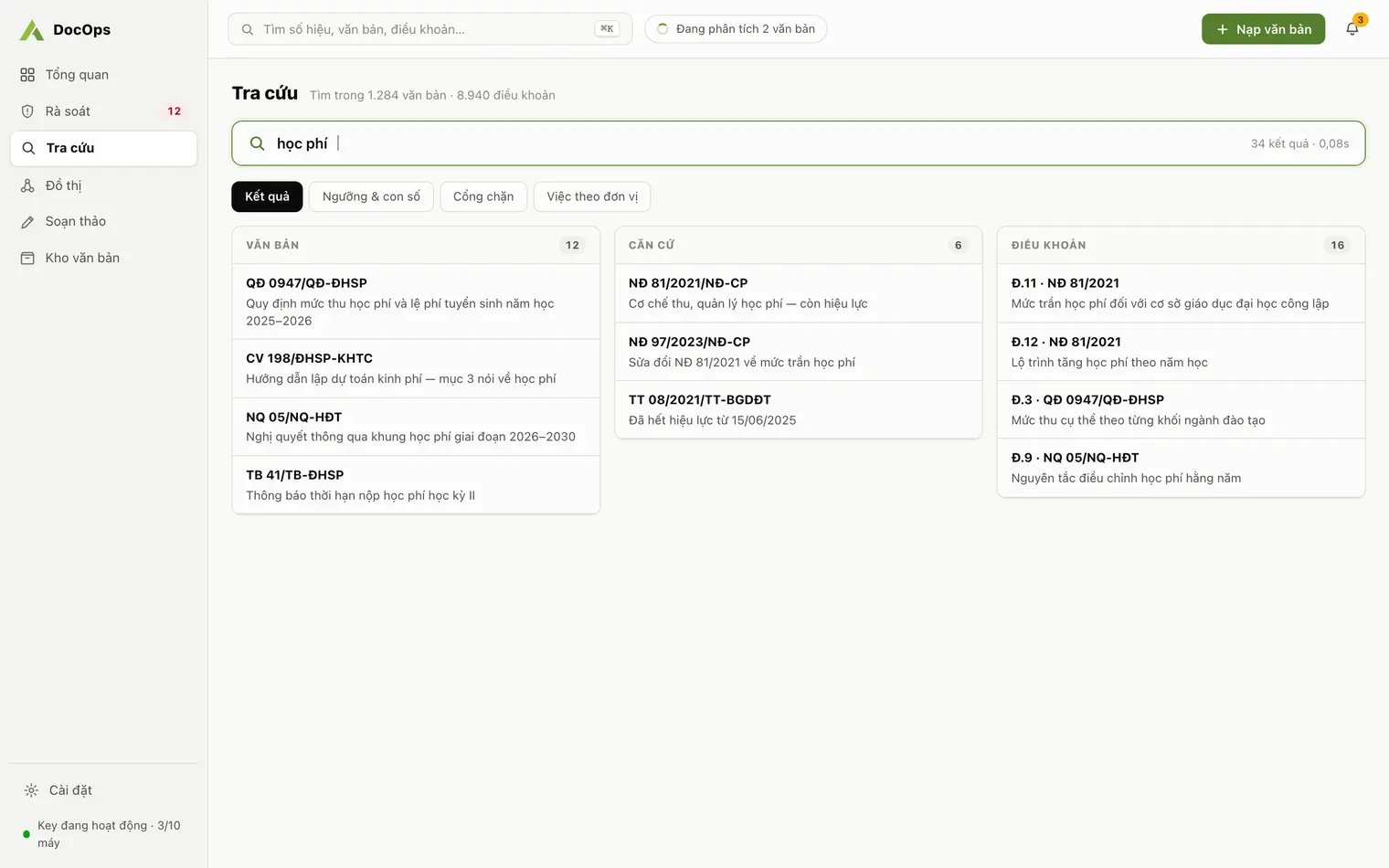
Ask in plain language across the whole repository. Every answer cites document number and article, and says "Not found in the repository" instead of guessing.
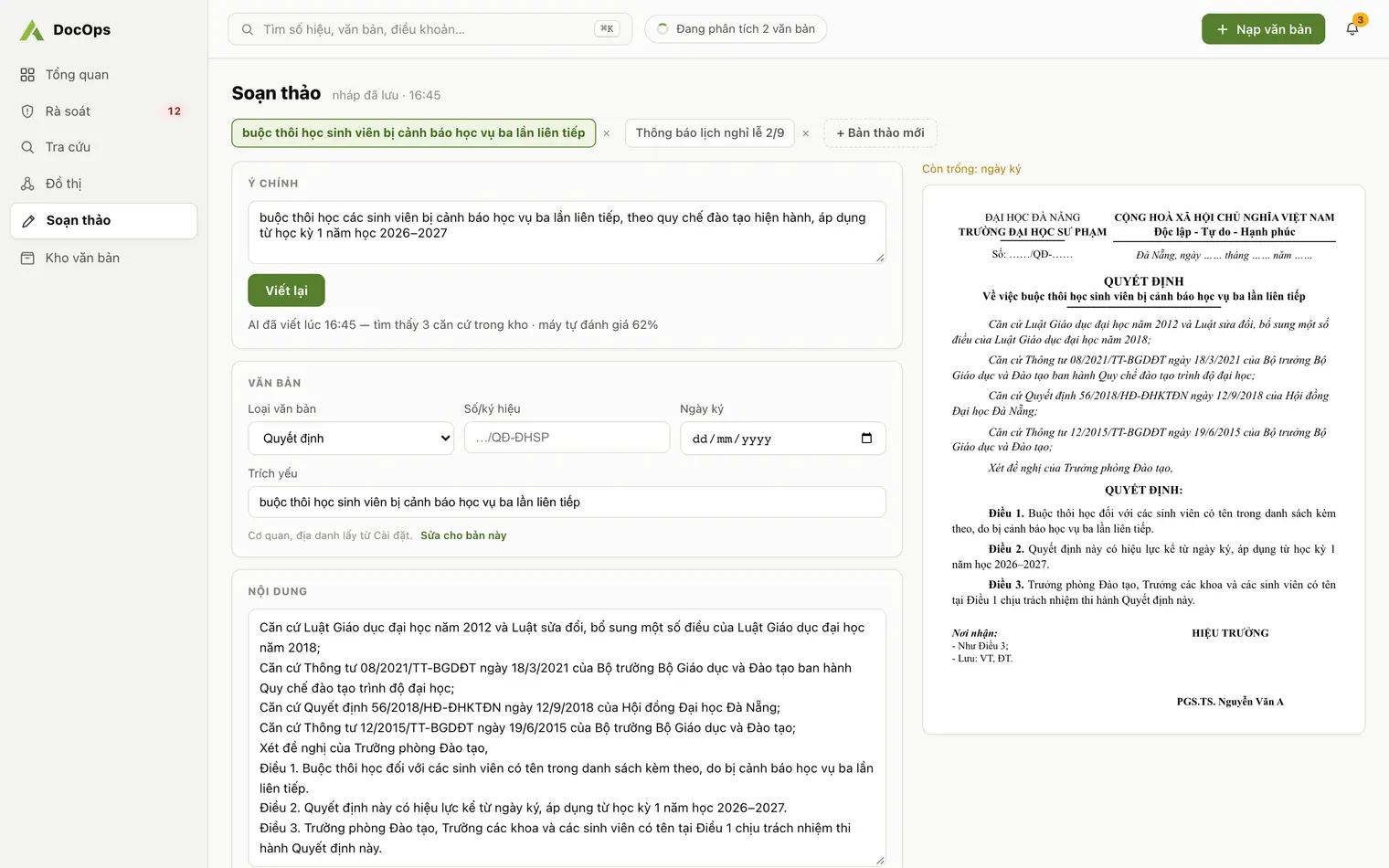
Map legal relationships, flag expired references, draft in the Decree 30 format and export to Word or PDF for signing.
Each feature, each type of organization and the Decree 30 records basics, each with its own in-depth page.
Features
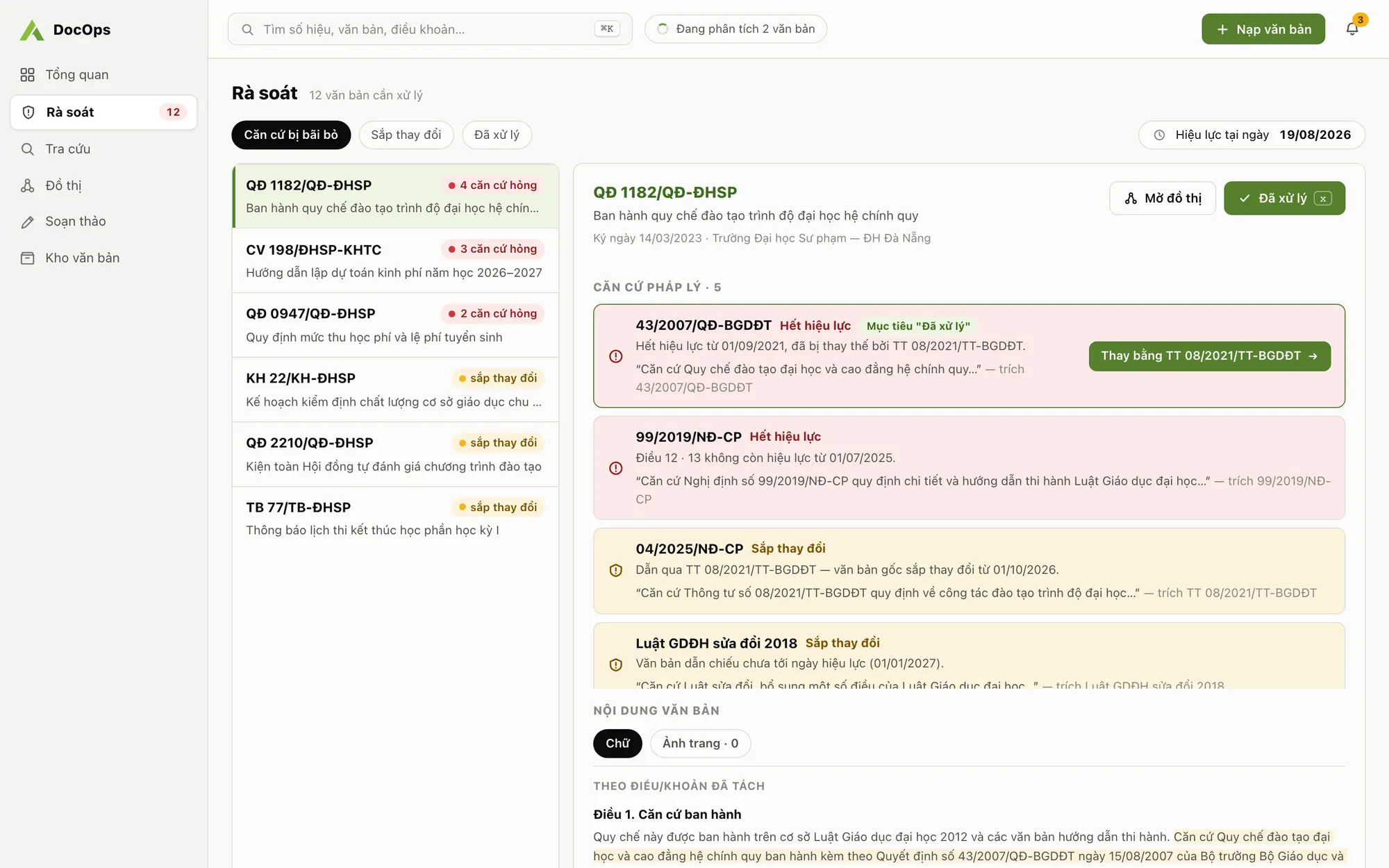
Find documents that rest on replaced, repealed or not-yet-effective bases, and see what changing one article pulls along.
Learn moreFrom a one-sentence brief to a correctly formatted draft for 29 document types, expired bases flagged, Word and PDF export.
Learn moreAsk in plain language across your organization’s documents; answers cite document number and article. Full-text search without diacritics.
Learn moreBy organization
Turn a folder of PDFs into a structured repository so clerical, academic affairs, legal and leadership staff find what they need.
Learn moreFor people’s committees, departments, companies, mass organizations and associations: your own repository, cited search, legal basis review, Decree 30 drafting.
Learn moreRecords management guides
All 29 administrative document types in Decree 30, their official abbreviations, how to write the reference code and the pairs people mix up.
Learn moreThe nine main format parts, margins, font and sizes from Appendix I of Decree 30, and a checklist to run before a document goes for signature.
Learn moreAn honest comparison for administrative documents: answer sources, citations, validity of legal bases, format and data.
Learn moreAcross ingest, search and drafting, repetitive work drops from hours of manual effort to a few minutes.
Every answer names document number and article, and warns as soon as a cited basis has expired.
The repository and the legal relationship graph accumulate year after year and do not leave with staff turnover.
Drafts follow the format of all 29 administrative document types; staff edit, export and sign them through your own process.
A newly ingested document stays pending until a staff member reviews, edits and confirms it into the repository. AI never replaces that decision.
Original documents live on your computer. Each institution gets its own key and a fully separate workspace.
The server only runs the AI steps and keeps no content after returning a result.
DocOps Uranus 1.4.0, released 18 Oct 2026. Free to download, activated with your institution key.
Agentra DocOps is AI software that drafts Decree 30 documents for agencies and companies, communes and universities, with cited search and legal basis checks. It is a desktop app for Windows and macOS built by Agentra JSC (Da Nang, Vietnam); the institution repository stays on your machine.
Agentra issues each institution a key in the form DOCOPS-XXXX-XXXX-XXXX that opens its own workspace. Install the app, click "Gửi yêu cầu tới quản trị" (Send a request to the administrator) on the activation screen and send the request from inside the app, or email us with your institution name.
Yes, for activation and for the AI steps: OCR, classification, Q&A and drafting. Your documents still stay on your machine.
On your computer. The server only runs the AI steps and keeps no content after returning a result. Agentra never uses institution data to train models.
The current build has no code-signing certificate yet, so the operating system asks for a one-time confirmation. The guide shows exactly where to click "Run anyway" on Windows and "Open Anyway" on macOS.
No re-download needed. In the app open Settings, the Version tab, click Check for updates, then Download and install, then Restart to install.
Downloading and installing is free. Pricing depends on how much your institution uses; contact us for a quote.
No. DocOps does not handle the incoming/outgoing correspondence flow or digital signatures. It works on document content: building a knowledge repository, cited search, legal basis review and Decree 30 drafting, with Word or PDF export for your existing issuing process.
Yes. Beyond universities, DocOps works for government agencies, commune and ward people’s committees, companies, mass organizations and associations that format documents under Decree 30: all 29 administrative document types, circulars and decrees tracked as legal bases, cited search and drafting. DocOps does not yet support documents of the Communist Party or of organizations with their own formatting rules, and does not manage accounting vouchers.
Download the app, request a key right from the activation screen, and start reviewing your document repository today.