What does digital transformation of clerical work mean?
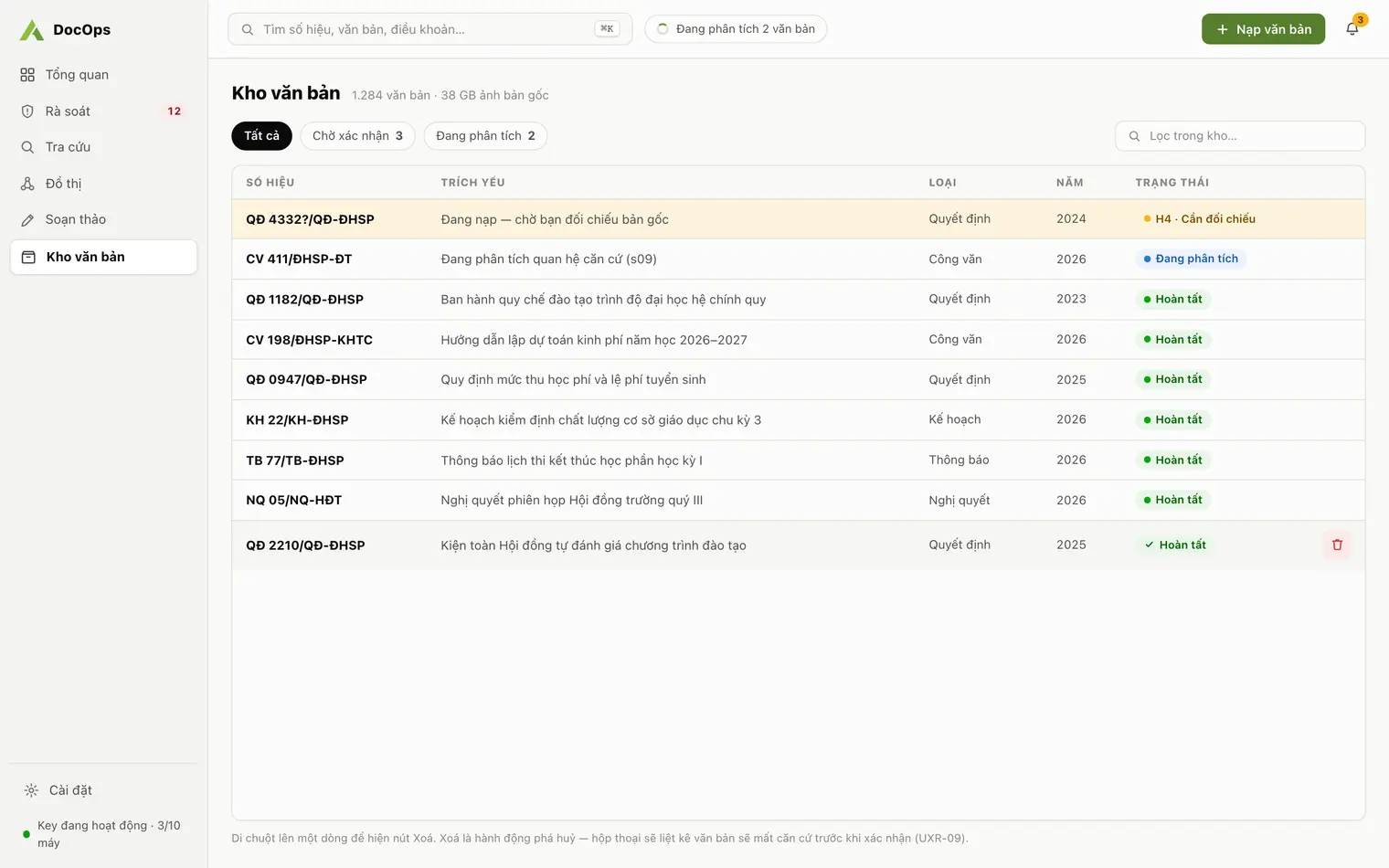
Digital transformation of clerical work means moving the receiving, storing, searching and drafting of documents from paper and loose files to structured data that software can read and cross-check, not just images of paper.
A university works with three layers of documents: those of the Ministry of Education and Training and other ministries, internal documents issued on top of them, and the daily incoming and outgoing correspondence. How these layers relate usually lives in the heads of a few long-serving staff. When they leave, the institution loses that map.
Scanning vs. building a knowledge repository
| Aspect | Scanned PDFs only | DocOps repository |
|---|---|---|
| Document details | A file name someone typed | Number, signing date, issuing body, summary, document type |
| Relations between documents | None | Basis, guidance, amendment, replacement, repeal, with the source sentence |
| Figures and thresholds | Open each file | Thresholds and figures and hard gates, searchable at once |
| Search | By file name | Diacritic-free full-text search and cited Q&A |
| When staff leave | The relationship map is lost | Repository, graph and backups stay with the institution |
How each office uses DocOps
- Clerical and administration office: ingest PDFs, check the 9 format parts of incoming documents, keep the repository complete and correct.
- Academic affairs office: look up every academic threshold and key figure in the regulations in force; before amending a regulation, see which article carries the most rules.
- Legal office: find internal documents resting on replaced or repealed bases and check validity as of a date. Legal basis review.
- Leadership and specialists: ask in plain language and get answers citing number and article; draft submissions and decisions in the correct format. Decree 30 document drafting.
- Beyond universities: agencies, companies and organizations use the same features, see Document AI for communes, agencies, firms.
Staff confirm the data, AI does the reading
The AI reads documents (recognises scanned pages, extracts details, classifies them into the 29 types of Decree 30, extracts relations and business rows). Staff confirm the data at three points: confirming each document into the repository or returning it to source, approving relations with confidence below 0.85, and comparing against the original image when the software flags something suspicious. Every decision goes into an append-only audit trail.
Where your data lives
- The repository sits on your machine (an SQLite database), with backup and restore to local files.
- One activation key and one separate repository per institution; the number of devices is set by Agentra per key.
- Only what needs AI goes through the DocOps server to the model provider: document text for AI steps, page images for recognition, drafting briefs and the context pack of each question.
- Details on data and AI use are on AI and data transparency.
Up and running in one session
- Download DocOps for Windows or macOS and request a key from the Activation screen.
- Fill in Institution details once in Settings.
- Ingest the documents you use most first: training regulations, academic rules and the circulars they rest on.
- Confirm documents into the repository, then open Review and Search to start working.