Where they differ
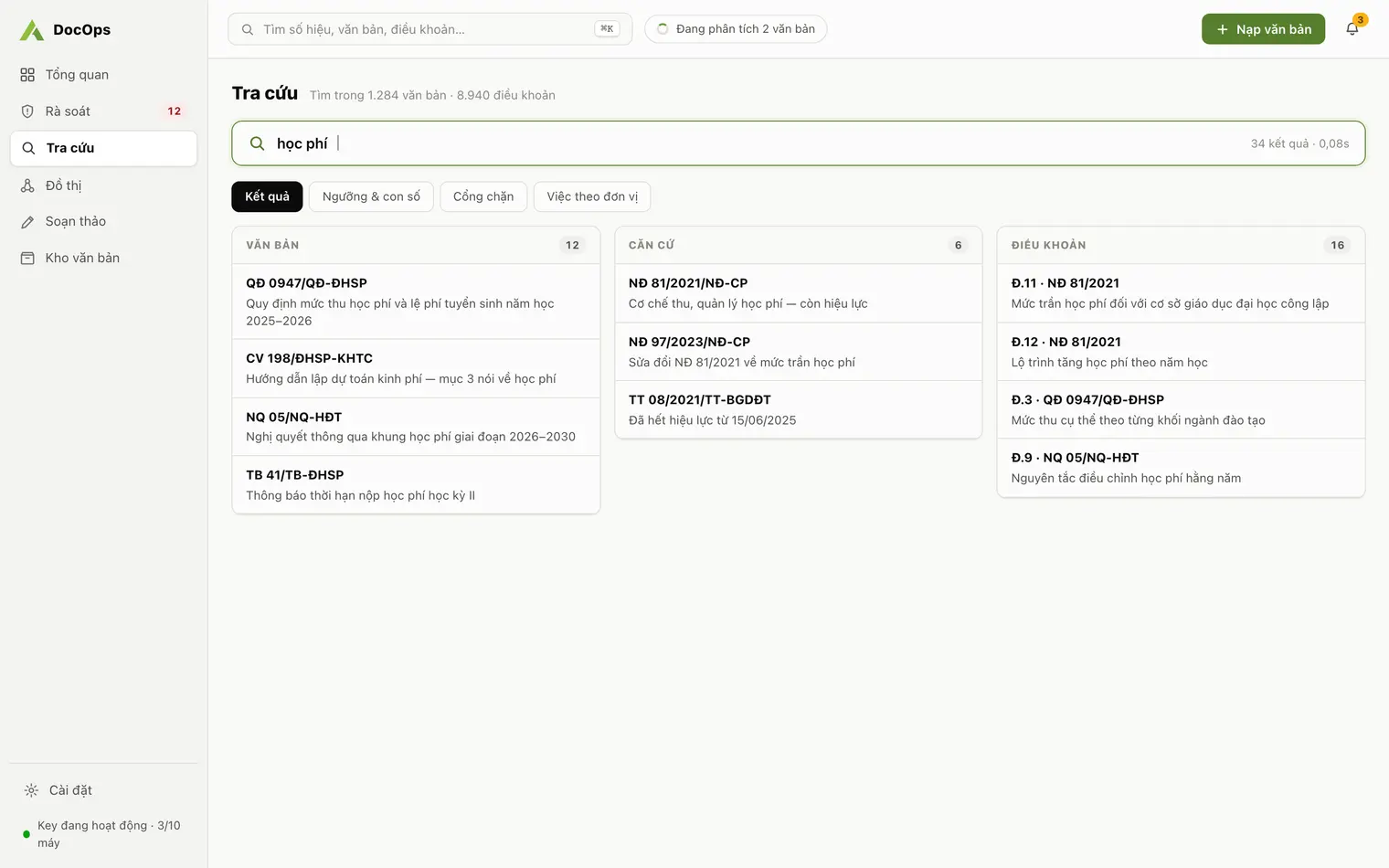
The main difference is the source of the answer: ChatGPT answers from general knowledge and whatever you bring into the conversation, while DocOps answers only from the repository the agency has ingested and drops any document that is not in it.
Information about ChatGPT on this page comes from OpenAI’s help pages, checked on 8 October 2026. ChatGPT’s features and policies can change; read the original pages before you decide.
Point-by-point comparison
| Criterion | ChatGPT | DocOps |
|---|---|---|
| Source of answers | The model’s knowledge, web search, files you upload and connected apps such as Google Drive; files in a project (Projects) are available to that project’s chats | Only the repository the agency has ingested and staff have confirmed |
| Citations | Source links when web search is used | Every answer cites the document number and Article, and one click opens the original document |
| When there is no information | May answer from the model’s general knowledge; the user needs to check numbers and citations | Says “Chưa tìm thấy trong kho” (not found in the repository); documents the AI mentions that are not in the repository are dropped and a warning is shown |
| Expired legal bases | No built-in tracking of replacement or repeal between your organization’s documents | Warns about replaced, repealed or not-yet-effective bases across the whole repository, as of any chosen date |
| Drafting | Writes from your prompt; the format depends on the prompt and the user checks it | Templates for the 29 types in Decree 30, fills in the agency’s details, proposes only legal bases still in force, exports Word and PDF |
| Data and training | Personal plans: conversations may be used to train models unless “Improve the model for everyone” is turned off; even then, giving thumbs up or down on a response may let the whole conversation be used. Business, Enterprise and Edu plans: not used for training by default | The repository is stored on the device; content goes through the DocOps server to the AI model for processing and the server does not store it; Agentra does not use the agency’s data for training |
| How it is used | On the web, desktop apps and phones | Desktop app for Windows and macOS, activated with the agency’s key |
| Scope | General purpose: writing, translating, summarizing and much more | Administrative documents only: ingest, classify, search, review, draft |
When ChatGPT is the better fit
- Writing letters, speeches and communications that need no legal basis.
- Asking general questions and explaining concepts.
- Translating or summarizing a single document.
- An agency with no document repository yet that just needs a quick draft to edit by hand.
When DocOps is the better fit
- Answers must cite the documents the agency actually applies, see AI document search.
- You need to know which documents rest on a replaced legal basis, see Legal basis review.
- Drafting decisions, submissions and notices in the right format with legal bases still in force, see Decree 30 document drafting.
- You want the repository on your own device and a log of staff decisions, see AI transparency.
Before putting internal documents into ChatGPT
On a personal account, check Data Controls and turn off “Improve the model for everyone” if you do not want conversations used for training. Note that even with it off, giving thumbs up or down on a response may let the whole conversation be used for training. Classified documents and documents with personal data must follow the agency’s rules on state secrets and personal data protection, whichever AI tool is used.
- ChatGPT training and data settings: Data controls in ChatGPT (OpenAI).
- How files and apps in a project are used: Projects in ChatGPT (OpenAI).
Using both
The two tools do not exclude each other. One way to split the work: ChatGPT for free writing that does not rest on the agency’s documents, DocOps for every question and draft that must rest on the repository and on legal bases still in force.